

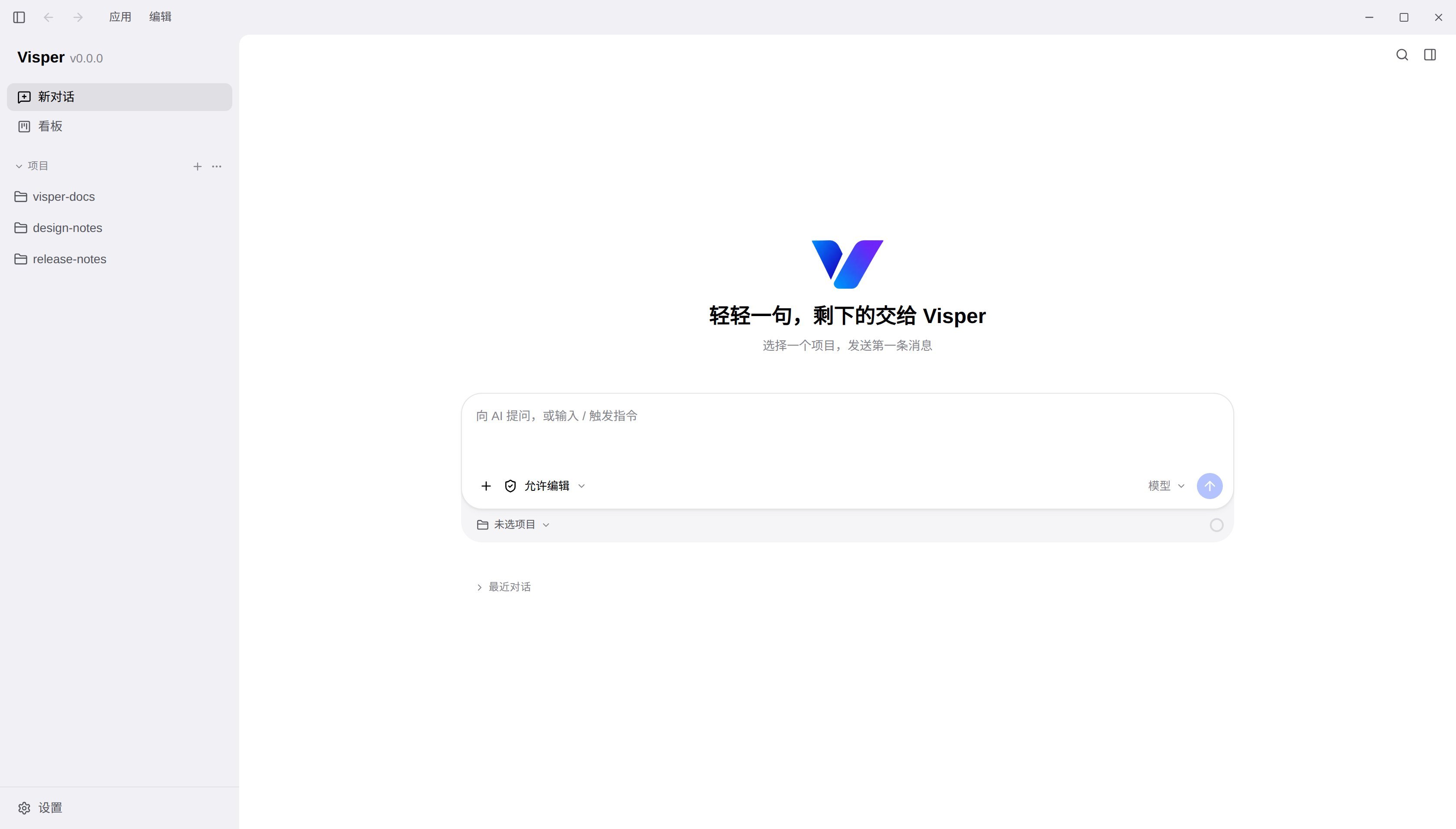
First launch
The title bar, sidebar, conversation column and the way into settings.
Chat
Typing, sending, line breaks, images, and what to expect back.
Projects
Add a local folder as a project and enter its three-column workspace.
Questions from the agent
Answering a decision the agent puts to you as options.
Tasks
The plan the agent keeps for multi-step work, and how to read it.
Settings
How to switch appearance, color scheme and interface language, and connect a model.
Updates
The pill next to Settings: download a new version and install it when you choose.
Usage and balance
What is left on your key, what today cost, and peak or off-peak.
Board, skills, knowledge, connectors
What these four entries are right now.
Data and privacy
What stays on this machine, and what gets read or written.